Fuel Kiosk — Demo
Mockups · Connections · How To Use
Concept Renders — from our actual fuel shed
What It Will Look Like
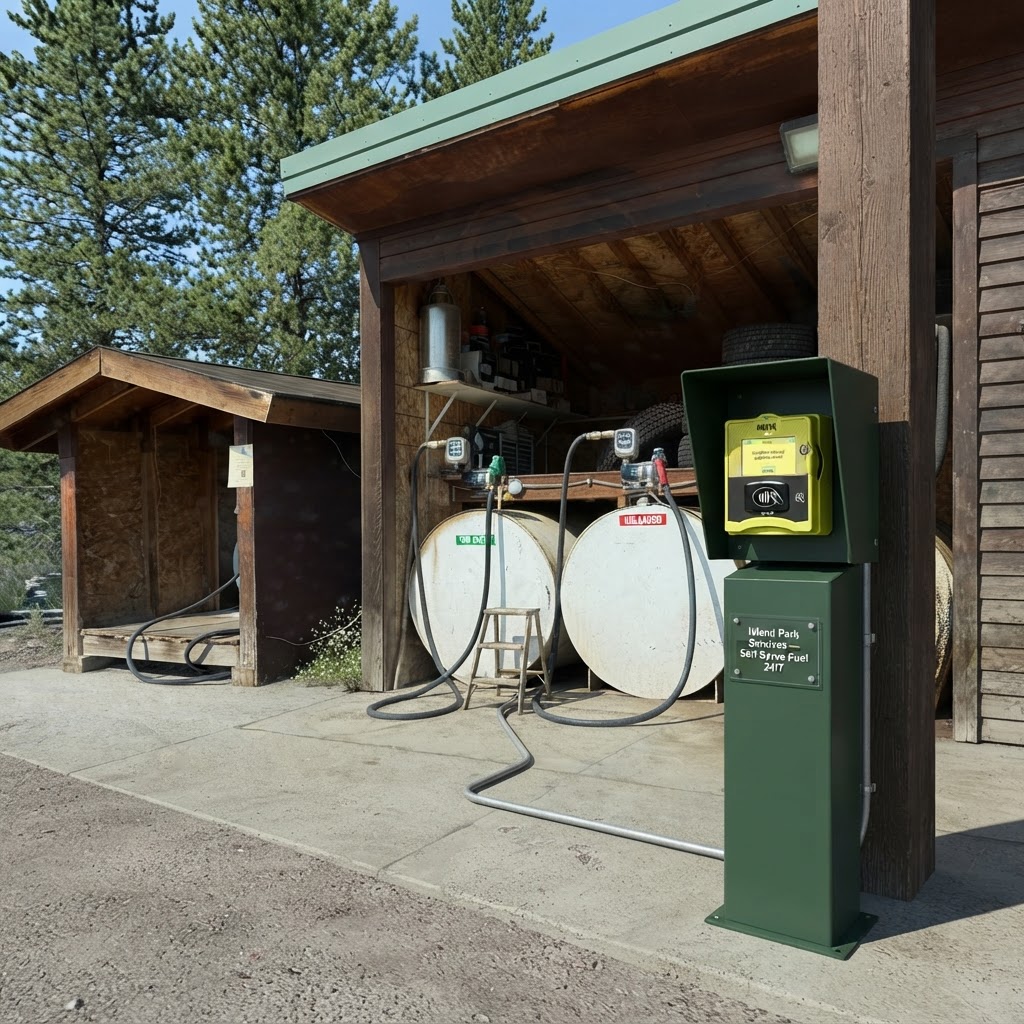
Kiosk Installed at the Fuel Shed
NAYAX terminal in the EZ Steel enclosure at the edge of the pad — conduit runs back to the pumps.
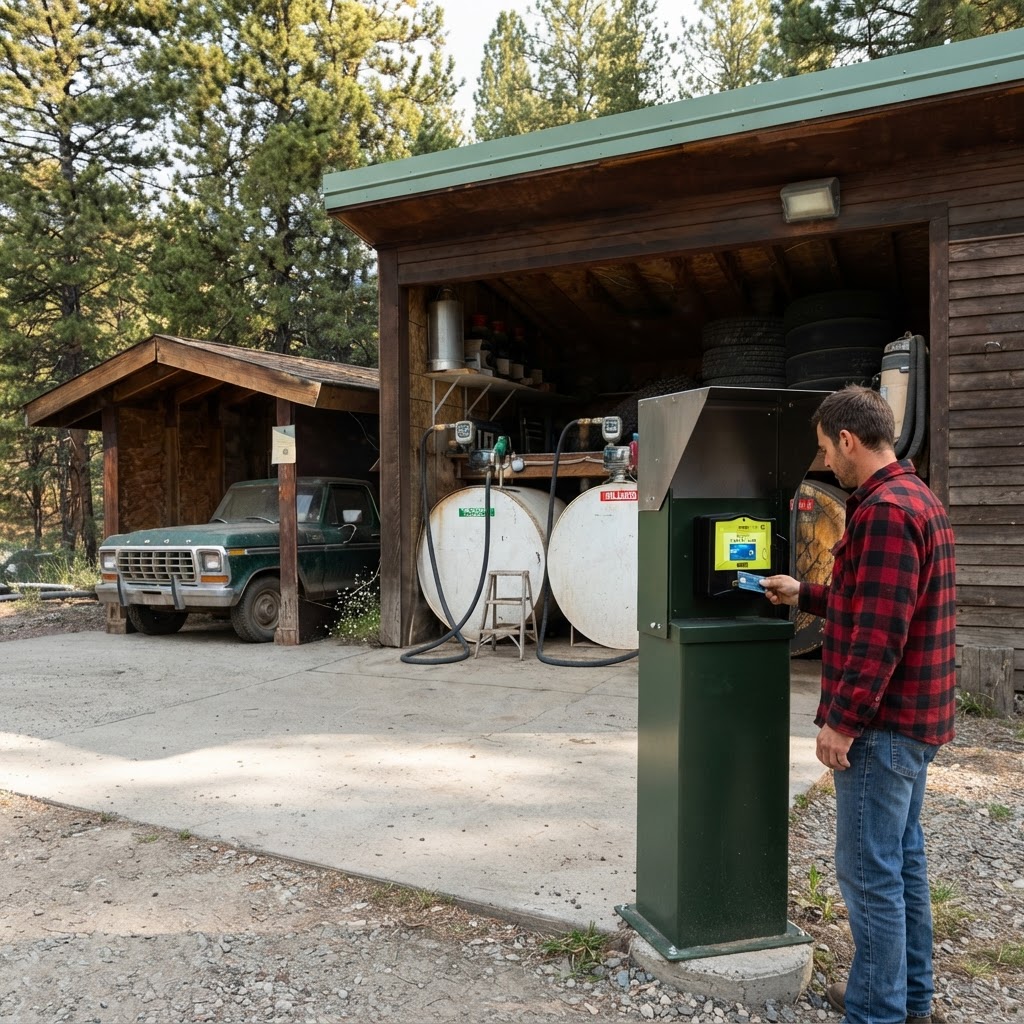
A Customer Paying at the Terminal
Tap, insert, or swipe — the pump enables automatically once the card is approved.
Live animated flow
How Everything Connects
Green dots are live data moving through the system. The gateway is the only device online; the PLC enforces the shut-off limit in hardware even if every network link drops.
Customer experience
How To Use It
Island Park Fuel
Diesel · $4.29/gal
Unleaded · $3.89/gal
Kiosk touchscreen — auto-advances every 4s
Island Park Services · Self-serve fuel, open 24/7